By Mladen Terzic
Shopify SEO Updates
8th Dec 2025
10 min read
Ultimate Guide to Shopify Plus Crawling Optimization
Learn how to fix crawling issues on Shopify Plus—duplicate content, faceted navigation, JavaScript indexing—and use tools like Google Search Console and Screaming Frog.
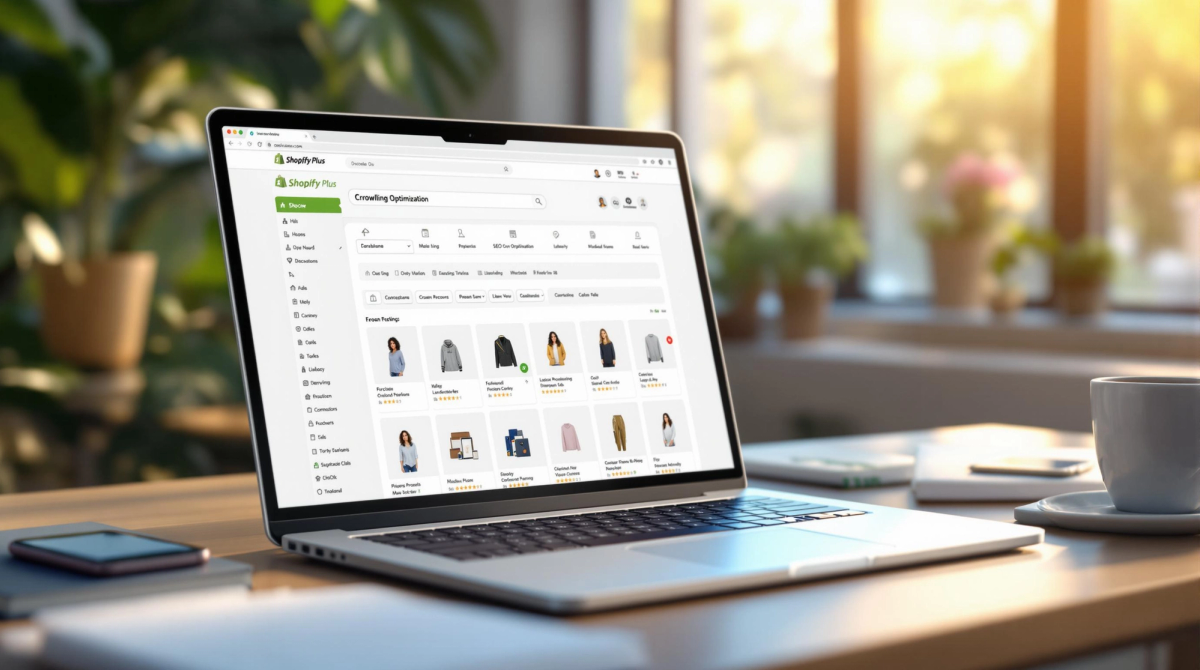

Struggling with SEO on your Shopify Plus store? Poor crawling can lead to lower search rankings, wasted crawl budgets, and reduced organic traffic. This guide covers everything you need to know to fix issues like duplicate content, faceted navigation, and JavaScript rendering. Here's a quick breakdown of actionable solutions:
- Fix duplicate content: Use canonical tags to consolidate URLs.
- Tame faceted navigation: Limit excessive URL generation with AJAX filtering.
- Improve site structure: Organize products into clear categories and keep key pages within 3 clicks of the homepage.
- Optimize JavaScript: Ensure search engines can index dynamic content.
- Use structured data: Add JSON-LD for better search visibility.
- Leverage tools: Use Google Search Console and Screaming Frog to monitor and improve crawlability.
Common Crawling Issues in Shopify Plus Stores
Shopify Plus stores often encounter crawling challenges that can hurt search visibility and reduce organic traffic. These problems can impact how search engines allocate their crawl budget, making it crucial to address them effectively.
How Duplicate Content Impacts SEO
Duplicate content is a frequent issue in Shopify Plus stores. It usually stems from product variations, filtered category pages, or similar descriptions used across multiple variants. This leads to multiple URLs displaying the same content, which can confuse search engines and weaken the ranking potential of your main product pages [1][2].
JavaScript and Indexing Challenges
Dynamic content and heavy use of JavaScript can prevent search engines from fully indexing your site [1][2].
"Optimizing JavaScript-rendered content ensures search engines can access critical information, improving crawling and indexing for Shopify Plus stores" [1].
Faceted Navigation and URL Overload
Faceted navigation is a major technical hurdle for Shopify Plus stores. For example, one store with 158 products ended up generating 380,000 URLs due to faceted navigation filters [1].
This issue often results in an overwhelming number of URLs, many of which are low-value filter combinations. These URLs can waste crawl budget, reduce the frequency with which key pages are crawled, and dilute page authority. All of this ultimately lowers the quality of your store's index [1][2].
Now that we've identified these challenges, the next step is to explore practical strategies to improve crawling efficiency for Shopify Plus stores.
Effective Crawling Strategies for Shopify Plus
Making sure search engines crawl your Shopify Plus store effectively requires a mix of basic adjustments and technical fine-tuning to highlight your most important content.
Organize Your Store's Structure
A well-structured site is key to efficient crawling. Start by grouping your products into categories and collections that make sense for your customers. Add breadcrumb navigation to guide both users and search engines through your site.
For example, your URLs should follow a logical format like this:
yourstore.com/collections/category/subcategory
This kind of structure helps search engines understand how your pages connect and ensures they focus on the right areas. Also, make sure that all key pages are no more than three clicks away from your homepage. This keeps navigation simple and crawling efficient.
Once your structure is set, you’ll need to tackle duplicate content issues with canonical tags.
Handle Duplicate Content with Canonical Tags
Duplicate content can be a headache, especially on Shopify Plus stores where product variations or filtered pages create multiple versions of the same content.
"Improperly configured canonical tags can lead to Google indexing duplicate pages, reducing your site's authority and crawl efficiency."
Use canonical tags to point duplicate pages back to the original ones. For instance, link product variants to the main product page and filtered collection pages to the main collection URL. This keeps search engines focused on the primary content.
Fine-Tune Robots.txt and URL Management
Your robots.txt file is a powerful tool for controlling how search engines crawl your store. Use it to block low-priority pages like internal search results or redundant URL parameters. If you’re dealing with faceted navigation, consider using JavaScript-based filtering to avoid generating endless URLs.
For example, one Shopify Plus store reduced its crawlable URLs by 73% by switching to AJAX filtering, without losing any functionality for users [1].
Codersy specializes in Shopify Plus solutions, offering AJAX filtering and URL management services to streamline crawling.
After setting up these foundational strategies, you can explore advanced techniques to further improve your store’s crawlability.
sbb-itb-6dc743d
Advanced Techniques for Better Crawling
Once you've tackled the basics of crawling optimization, it's time to dive into some advanced strategies tailored for your Shopify Plus store.
Add Structured Data to Pages
Structured data helps search engines better understand your content and can lead to rich snippets appearing in search results. Use the JSON-LD format to include key product details like this:
{
  "@context": "https://schema.org/",
  "@type": "Product",
  "name": "Product Name",
  "image": "product-image-url",
  "description": "Product description",
  "offers": {
    "@type": "Offer",
    "price": "99.99",
    "priceCurrency": "USD"
  }
}
"Properly implemented structured data can help display rich snippets in search results, providing users with additional information such as product ratings, prices, and availability, which can increase click-through rates and improve product page visibility" [3].
Once your structured data is in place, turn your attention to visual elements like images to further enhance user experience and search engine crawling.
Optimize Images for Search Engines
Here are some simple ways to make your images more search-friendly:
- File Size: Compress images using tools like Tiny SEO Image to improve loading times.
- Alt Tags: Write descriptive, keyword-focused alt text for each image.
- File Format: Use modern formats like WebP for better performance on supported browsers.
To confirm these optimizations, use tools like Google’s Page Speed Insights to check performance and identify further improvements.
With your images fine-tuned, it’s crucial to ensure your store is ready to perform flawlessly on mobile devices.
Focus on Mobile-First Design
A mobile-first approach is a must, as mobile traffic now dominates eCommerce. Start with a responsive theme, such as Shopify's Dawn, which is designed with mobile users in mind.
Make sure your site adapts seamlessly to all screen sizes, with touch-friendly navigation and consistent content across devices. Tools like Google’s Mobile-Friendly Test can help you pinpoint and resolve any mobile issues that might hinder crawling.
For more complex needs, consider working with experts like Codersy, who specialize in mobile optimization to improve both crawling and user experience.
Tools and Services for Crawling Optimization
Let’s dive into some essential tools and services that can help improve your store’s crawlability and ensure search engines can efficiently navigate your site.
Using Google Search Console
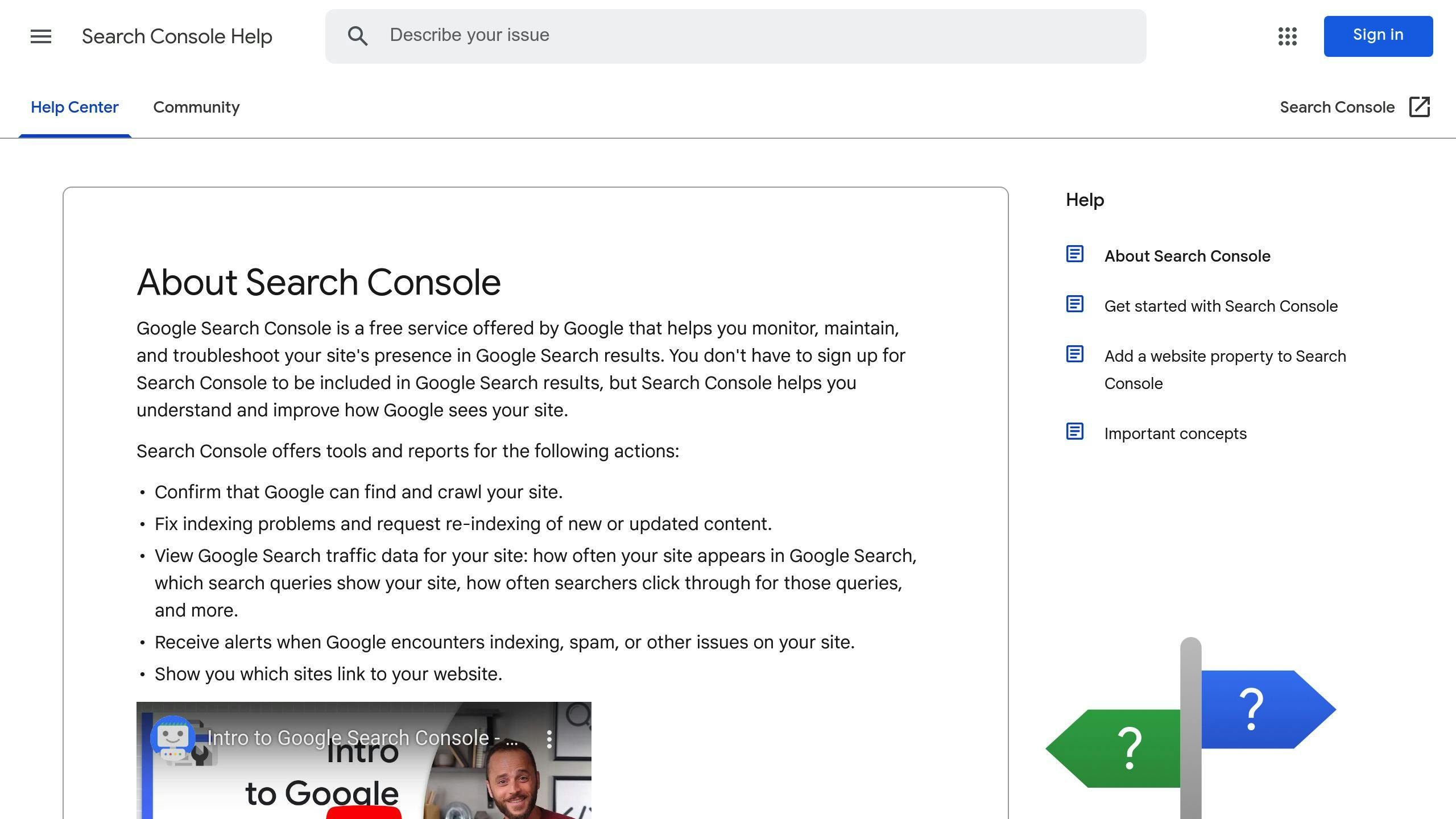
Google Search Console is a must-have for monitoring your store’s crawling performance. It allows you to:
- Track indexed pages and identify crawling issues.
- Spot mobile usability problems.
- Manage and submit sitemaps.
- Pinpoint technical issues like server errors or robots.txt misconfigurations that might disrupt crawling.
This tool provides a clear view of how search engines interact with your site, helping you address any obstacles.
Crawling Tools Like Screaming Frog

Specialized crawling tools, such as Screaming Frog, offer a more detailed technical analysis of your site. With Screaming Frog, you can:
- Analyze your site’s structure.
- Detect SEO issues like broken links or duplicate content.
- Verify the implementation of structured data.
These insights are invaluable for ensuring search engines can effectively crawl and index your store’s content.
How Codersy Can Help
For more complex crawling challenges, expert assistance can make all the difference. Codersy provides tailored solutions, including:
"Regular audits for duplicate content issues and proper configuration of the robots.txt file are crucial for effective crawling optimization" [1][2].
Their services include:
- Optimizing custom themes to enhance crawlability.
- Managing and configuring robots.txt files.
- Addressing technical hurdles like faceted navigation.
For urgent updates, tools like SEO Instant Indexer can help search engines quickly index important changes, making it especially useful during product launches or time-sensitive content updates [4].
Conclusion
Optimizing crawling is crucial for Shopify Plus stores. Ignoring it could lead to a 20-30% drop in organic traffic, often caused by issues like duplicate content [2]. By using techniques such as canonical tags, managing robots.txt files, and adding structured data, stores can boost crawling efficiency and improve search engine rankings.
Achieving better crawling efficiency involves a combination of strategies. Proper use of canonical tags, thoughtful robots.txt file configurations, and well-implemented structured data help search engines navigate and interpret your site more effectively.
With 70% of online shoppers browsing on mobile devices [3], mobile optimization plays a huge role in crawling success. Google's mobile-first indexing underscores the importance of responsive design, making it a key factor in any crawling strategy.
For store owners looking to track and enhance their site's crawling performance, tools like Google Search Console offer valuable insights for basic monitoring. Advanced improvements may require technical expertise to fully implement the strategies covered in this guide.